

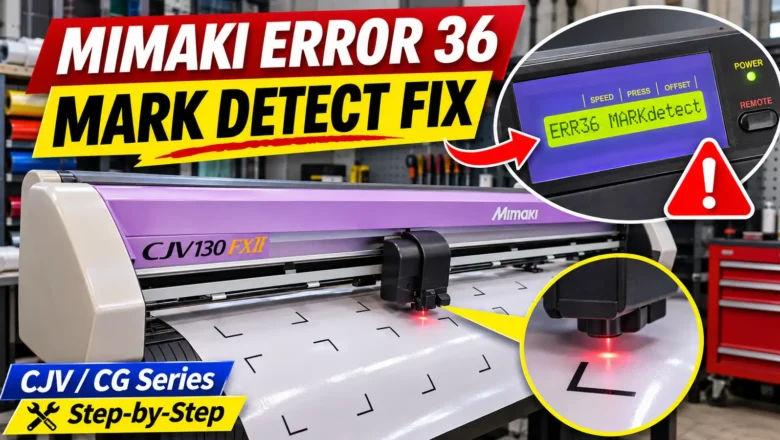
Error 36 Mimaki Plotter: Fixing Mark Detect and C36 Sensor Failures
When an error 36 mimaki plotter message halts a print-and-cut job, the machine's optical sensor has failed to read one or more printed registration marks (crop marks). Depending on your model series and firmware, the LCD screen displays this fault as [ERR36 MARKdetect], [ERROR 36: MARK DETECT], or [ERROR c36 Mark detect]. The error does not mean the optical sensor hardware has failed permanently; in most workshops, it occurs because the registration mark parameters under the plotter's MARK DETECT menu do not match the RIP software output, the carriage is moving too fast between copies (SPD LIMIT), or the red LED pointer was positioned outside the target detection zone.
Clearing a mimaki cutter error 36 requires verifying your physical sheet alignment and printed mark geometry first, then ...