


🔧 Common Printer Repair Challenges 2025 – Top Fixes Inside
In 2025, users and businesses are frequently facing common printer repair challenges 2025 that disrupt operations and productivity. Whether due to increased workloads, evolving tech standards, or the shift to remote and hybrid environments, failure to address these problems can lead to costly downtime and frustration.
This article dives into the primary repair challenges affecting printers today and provides straightforward fixes to keep your devices working reliably.
⚙️ 1. Hardware Wear & Tear
Physical components like rollers, sensors, and printheads degrade over time—this is one of the most persistent common printer repair challenges 2025. As usage increases, parts accumulate dust and wear, leading to:
-
Frequent paper jams
-
Faded or streaky prints
-
Sensor errors and misfeeds
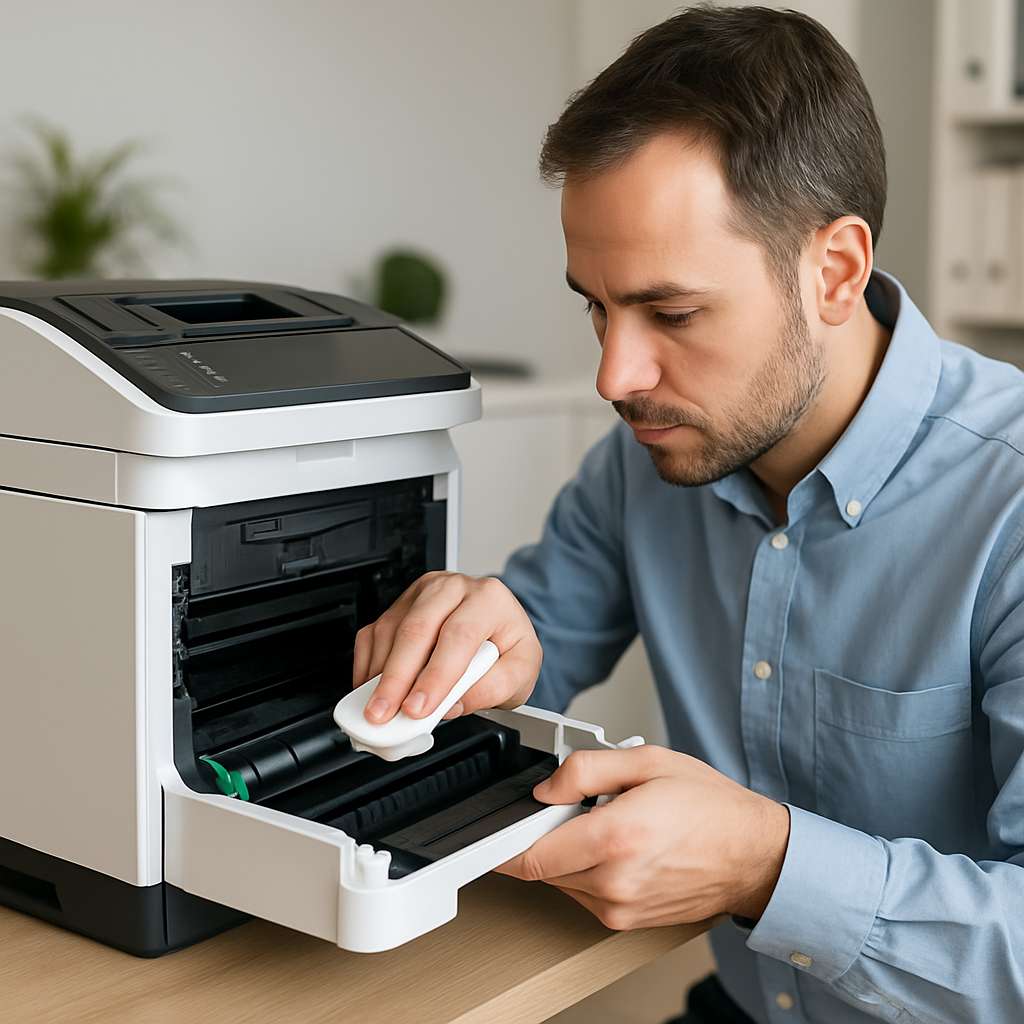
🛠 Fix: Schedule monthly maintenance—clean rollers with a lint-free cloth and gentle cleaner, check sensors, and replace worn parts when needed. Investing in high-quality spare parts increases longevity and reduces repeat repairs.
💾 2. Software Compatibility & Firmware Integration
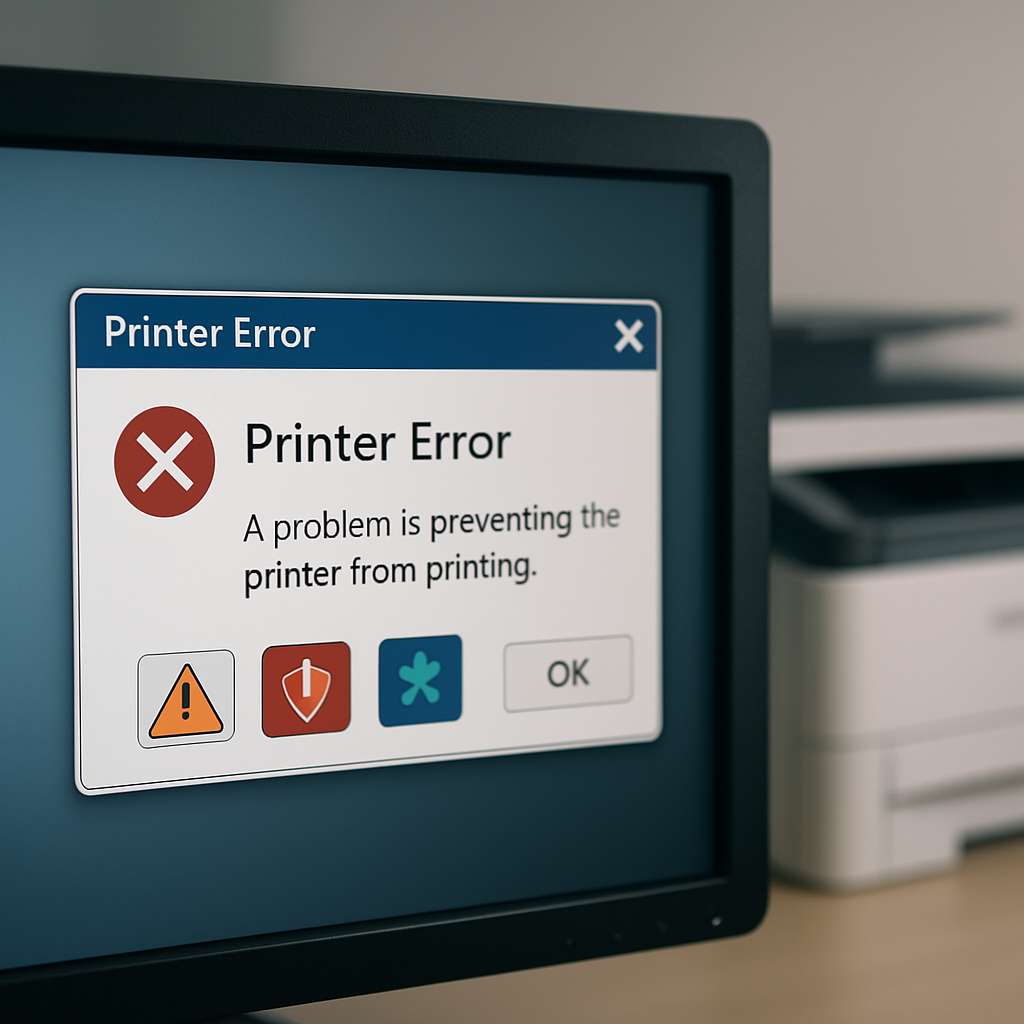
Modern business environments rely on multiple software systems. Integration issues can cause print jobs to fail or produce blank pages.
🛠 Fix:
-
Regularly update printer firmware and drivers
-
Test integration during system upgrades
-
Avoid automatic firmware updates unless necessary
This proactive care prevents miscommunication between printers and connected services.
🔁 3. High-Volume Printing Demands
High-demand print jobs—like marketing materials or mass invoices—strain printers and lead to overheating or toner issues.
🛠 Fix:
-
Implement load balancing across multiple printers
-
Use Managed Print Services (MPS) to automate toner replenishment
-
Schedule large tasks during off-peak hours
🔐 4. Security Vulnerabilities
Printers are increasingly targeted via network attacks or firmware exploits. Recent reports highlight breaches from unsecured print systems.
🛠 Fix:
-
Use printers with signed firmware
-
Enable network encryption and secured queues
-
Turn off unused ports and disable open Wi-Fi access
🌱 5. Sustainability & Consumables Dual Challenge
Eco-awareness means balancing green operations with reliable printing. Toner waste and frequent cartridge changes create cost and environmental concerns.
🛠 Fix:
-
Use remanufactured cartridges with reset chips
-
Enable duplex printing to conserve paper
-
Monitor consumables via software to reduce waste
🧹 6. Lack of Preventive Maintenance Culture
Skipping monthly maintenance invites bigger issues—longer downtime, costly hardware failures, and service calls.
🛠 Fix:
-
Set up a maintenance calendar
-
Train staff on cleaning and part inspection
-
Use predictive AI tools for anticipating failures
❓ FAQ
What is the biggest printer repair challenge in 2025?
Hardware wear & tear topped the list—components like rollers and sensors wear down under increased usage and require regular attention.
How often should I maintain my printer?
Monthly cleaning and bi-annual firmware/driver updates are ideal. For intensive environments, consider weekly checks.
Can AI or cloud tools help?
Yes. AI-powered services can predict part failure, auto-order supplies, and optimize print jobs—minimizing downtime and cost.
🧼 Final Thoughts
Addressing common printer repair challenges 2025 is essential to maintain operational efficiency. With proactive maintenance, smart integrations, and security-first setups, you can avoid disruptive failures and ensure smooth printer performance. Start today—set a schedule, secure the network, and stay updated!