Shadow

REPAIR PRINTER

Samsung CLP-365w Drum Unit Reset — step-by-step guide (CLT-R406)

Samsung CLP-365w Drum Unit Reset — step-by-step guide (CLT-R406)

REPAIR PRINTER, RESET PRINTER
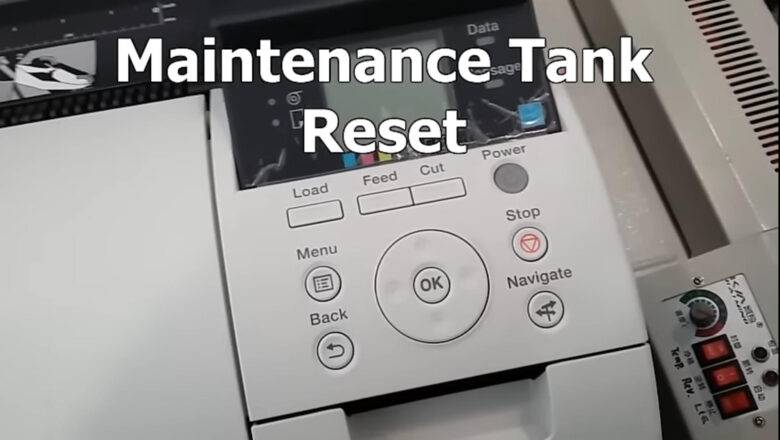
Samsung CLP-365w Drum Unit Reset — what it is and how it works Samsung CLP-365w Drum Unit Reset is the process of clearing the imaging unit’s page “odometer” so your printer can resume printing after it shows Replace/Prepare new imaging unit. The CLP-365w (and other models using the CLT-R406 imaging unit) tracks pages with a tiny fuse/“blow” circuit on the drum module. From the factory, the circuit presents low resistance; at first power-up, the printer detects that low value, resets the drum counter, and then blows the little fuse so it only “sees” a high resistance from that point forward and keeps counting. When the counter reaches its limit, printing stops even if the drum still looks fine. Resetting simply means recreating that new-unit low-resistance condition once—safely—so the pri...
Hp laserjet m1522nf fix crash — reliable step-by-step repair guide

Hp laserjet m1522nf fix crash — reliable step-by-step repair guide

REPAIR PRINTER
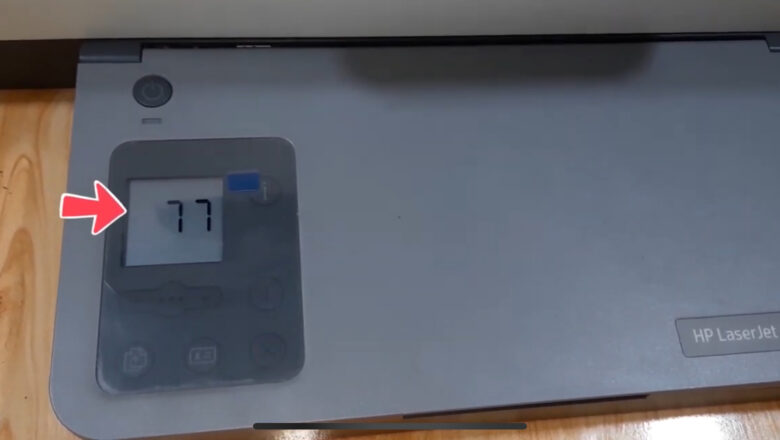
Hp laserjet m1522nf fix crash is a common search when the HP LaserJet M1522/M1522nf suddenly freezes on “Initializing…”, reboots in a loop, or won’t power up cleanly. This guide explains what typically causes the crash, how to diagnose the issue safely, and the exact, escalating fixes—from simple power checks and firmware updates to formatter-board inspection—so you only replace parts when truly necessary. What’s actually crashing? The M1522/M1522nf is a monochrome MFP that depends on a formatter board (logic board) to boot, manage the control panel, USB/network, and talk to the print engine. Over time, heat cycles and vibration can cause marginal solder joints or connector oxidation. Corrupted firmware, unstable power, or a failing USB hub can also cause random hangs. Typical symptom...
fuser error HP p2015 — Complete Fix Guide for Overheat, Low Heat, and Open Heat

fuser error HP p2015 — Complete Fix Guide for Overheat, Low Heat, and Open Heat

REPAIR PRINTER
fuser error HP p2015 can stop your HP LaserJet P2015 from printing at the worst time. This guide explains what the fuser does, why the printer shows Overheat (code 68), Low Heat (code 62), or Open Heat (code 60), and how to diagnose and fix each error safely—step by step—without hurting the printer or yourself. What the fuser does (quick primer) The fuser unit is located near the paper-exit area. Its job is to heat and press the toner into the paper so the print won’t rub off. The main parts are: Heater/Lamp (heating element) to generate heat Thermistor to read surface temperature Thermostat/thermal fuse for safety cutoff Heat/pressure rollers to apply heat and pressure Because the fuser runs hot (up to ~180°C), always power off and let the printer co...