web analytics
Shadow
How to Refill Samsung MLT-D115L Toner: 4-Phase Clean Method

How to Refill Samsung MLT-D115L Toner: 4-Phase Clean Method

REFILL TONER
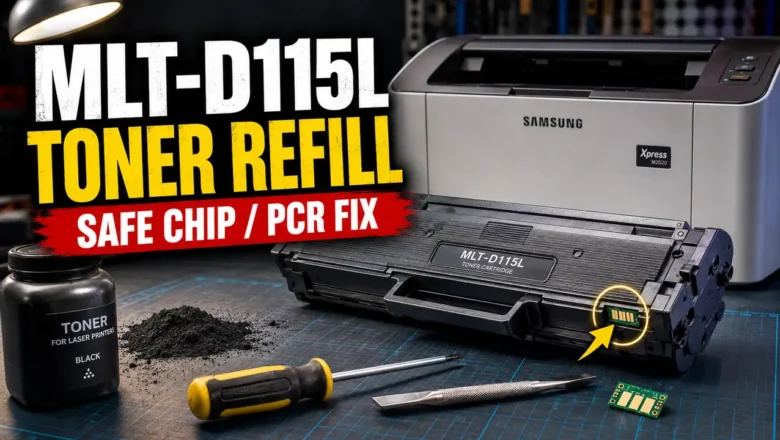
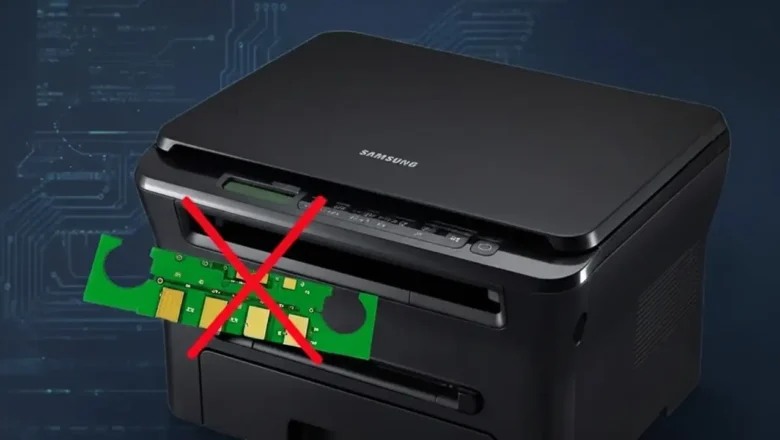
Understanding how to refill toner MLT-D115L is a practical way to significantly cut operational costs on Samsung Xpress mono printers while maintaining crisp, consistent output. Unlike many modern cartridges, the MLT-D115L platform does not include a built-in drum shutter. New cartridges may include a removable protective shield to prevent transport damage to the drum and internal contact surfaces. Before mastering how to refill toner MLT-D115L, technicians must understand the delicate balance of replacing region-coded chips, handling specialized conductive grease, and executing mechanical modifications. This technical manual details a hands-on approach, moving from safe plastic rivet extraction to advanced PCR decontamination and hardware reassembly. Safety Warning and Official St...
How to refill toner cartridge hp 12a: 5 Proven Pin Steps

How to refill toner cartridge hp 12a: 5 Proven Pin Steps

REFILL TONER
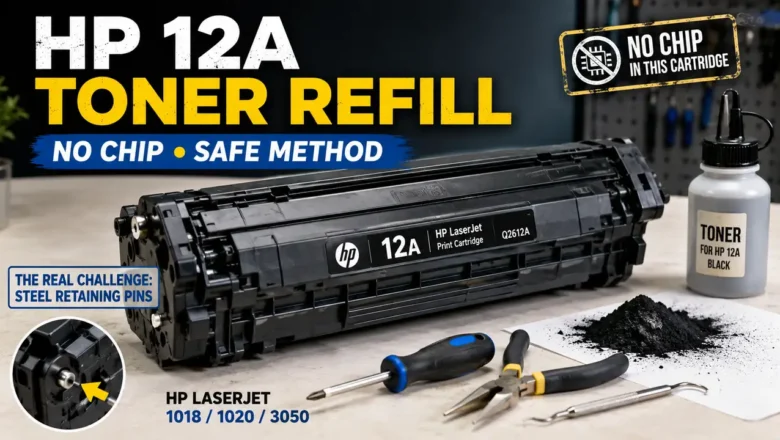
How to refill toner cartridge hp 12a is a process surrounded by catastrophic DIY mistakes and widespread internet misinformation. The most glaring myth found in generic guides is the instruction to "replace the EEPROM tracking chip." The truth is absolute: The HP Q2612A (12A) is a purely mechanical, analog cartridge. It does not possess a smart chip. The true challenge of servicing this legendary cartridge—compatible with the HP LaserJet 1018, 1020, and 3050 series—lies in its dual-chassis architecture. The two halves of the cartridge are locked together by embedded steel retaining pins. Attempting to hammer these pins inward will shatter the plastic shell, permanently destroying the unit. This technical engineering manual outlines the precise "inside-out" pin extraction protocol, the che...
How to refill hp 17a toner cartridge: Reverse-Screw Hack

How to refill hp 17a toner cartridge: Reverse-Screw Hack

REFILL TONER
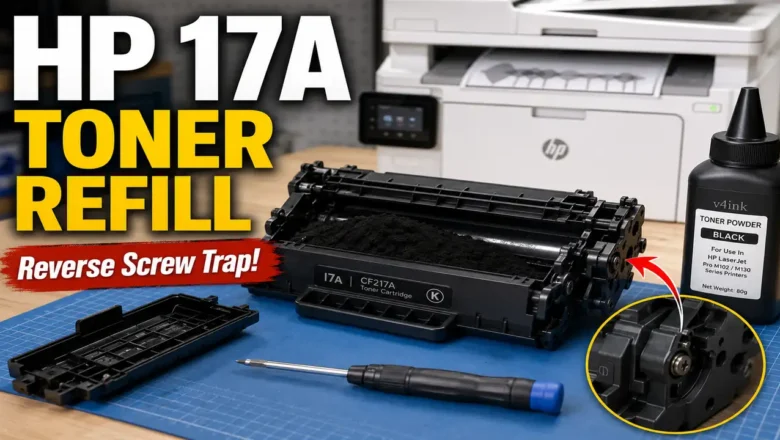
How to refill hp 17a toner cartridge safely depends entirely on your knowledge of a hidden mechanical trap: the reverse-threaded doctor blade screw. Standard teardown procedures will instantly destroy the CF217A plastic chassis. If you turn the right-side screw counter-clockwise to loosen it, you will strip the mounting post, rendering the cartridge permanently useless. The HP LaserJet Pro M102 and M130 series utilize a dual-component architecture, separating the developer unit (CF217A toner) from the Organic Photo Conductor (CF219A drum). This split design makes refilling highly economical, provided you understand the mechanical tolerances and the chemical requirements of the toner powder. This technical teardown manual details the exact 5-minute physical disassembly protocol, the chemi...
HP LaserJet M1522nf Fix Crash: 3 Real Steps (Stop Baking)

HP LaserJet M1522nf Fix Crash: 3 Real Steps (Stop Baking)

REPAIR PRINTER
An HP LaserJet M1522nf fix crash scenario, characterized by the printer freezing infinitely on the "Initializing..." screen or experiencing continuous reboot loops, is rarely a simple firmware glitch. This specific mechanical lockout stems directly from the thermal degradation of the main ASIC's BGA (Ball Grid Array) solder joints located on the formatter board. Many outdated guides suggest placing your motherboard in a kitchen oven to "bake" the solder back into place. This is a destructive myth that melts plastic connectors and ruptures electrolytic capacitors. This technical diagnostic manual outlines the exact hardware protocols, physical BGA pressure tests, and NVRAM resets required to bypass the boot-loop permanently, without destroying your hardware. Decoding the Infinite "Initi...
Fuser Error HP P2015: 3 Proven Fixes (Stop Buying Parts)

Fuser Error HP P2015: 3 Proven Fixes (Stop Buying Parts)

REPAIR PRINTER
A fuser error HP p2015 triggers a hard system halt, typically indicated by a "Fatal Error" light sequence on the physical control panel (all LEDs illuminated solid). Because the HP LaserJet P2015 lacks an LCD screen, users often blindly replace the entire fuser unit. However, if you query the HP Toolbox utility or print an event log, this fatal error breaks down into specific sub-codes: 60 (Open Heat), 62 (Low Heat), or 68 (Overheat). Replacing the RM1-4247 (110V) or RM1-4248 (220V) assembly without diagnosing the underlying electrical fault is a waste of resources. A runaway triac on the DC controller will instantly destroy a brand-new fuser, while a simple dirty thermistor can trigger a false failure. This technical diagnostic manual provides the exact multimeter testing protocols and ...