

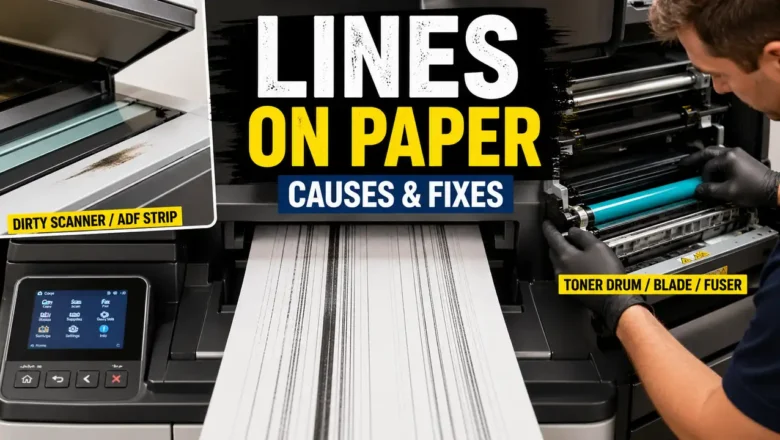
Lines on Paper? What Causes Them and How to Fix Them
Lines on Paper: What Causes Them and How to Fix Them
When you see lines on paper, the problem usually means something in the copy or print process is interfering with image quality. These lines may appear as streaks, vertical marks, dark bands, repeated defects, or uneven areas that ruin an otherwise normal page. The exact cause depends on whether the lines appear during printing, copying, or both.
That distinction matters. If lines on paper appear only on copies, the scanner side is often the first suspect. If they appear on every printed page, the issue is more likely inside the printer engine itself. In some cases, the problem comes from a dirty scanner glass. In others, it points to a drum, developer, blade, or fuser problem that needs deeper service.
Why lines on paper happen
Th...