
Shadow

Tag: Replace the chip

Reset counter Samsung scx-4600 — safe guide

Reset counter Samsung scx-4600 — safe guide

RESET PRINTER
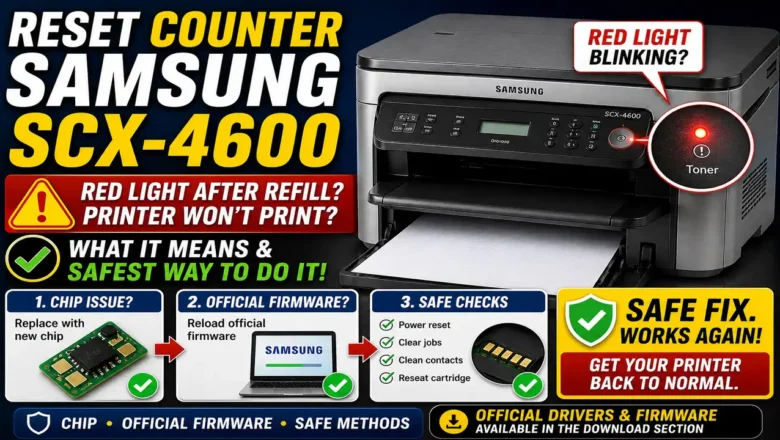
Reset Counter Samsung SCX-4600: What It Means and the Safest Way to Do It Reset counter Samsung SCX-4600 is a common search when the printer’s red light starts blinking after a refill and the machine refuses to print even though there is still toner in the cartridge. This usually happens because the printer is not judging toner status only by the powder inside the cartridge. It also relies on the cartridge chip and internal usage tracking, so a refill alone may not be enough to restore normal printing. That is why Reset counter Samsung SCX-4600 can mean different things depending on the real cause. Sometimes it means replacing the toner chip. Sometimes it means reloading official firmware to clear software instability. Sometimes it simply means clearing faults, checking contacts, and con...
How to refill hp 17a toner cartridge — safe, step-by-step guide (CF217A)

How to refill hp 17a toner cartridge — safe, step-by-step guide (CF217A)

REFILL TONER
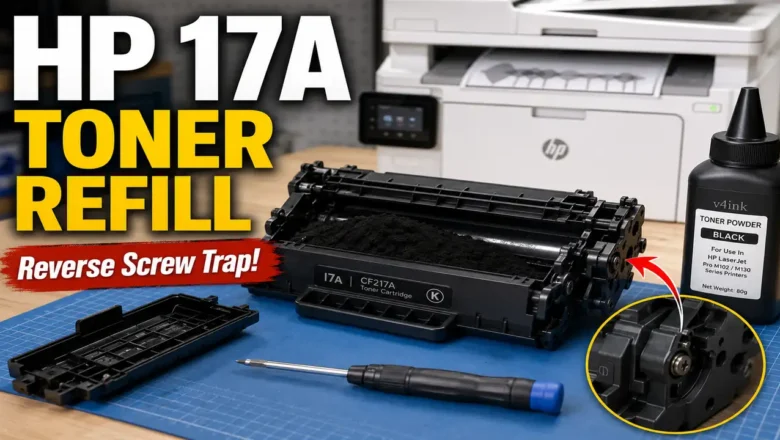
How to refill hp 17a toner cartridge is a frequent task for owners of HP LaserJet Pro M102-series printers who want to cut running costs without sacrificing print quality. This guide walks you through a clean, repeatable refill process for the HP 17A (CF217A) toner cartridge, explains what tools you need, how to avoid leaks, and what to do after refilling (cleaning, sealing, and chip replacement). You’ll also find troubleshooting tips for light prints, gray background, and streaks, plus safety notes to keep your device and workspace protected. What you’re working with (models & specs) The HP LaserJet Pro M102 engine is a 23-ppm, 600-DPI mono design (enhanced to 1200 DPI with HP FastRes). Unlike older HP “all-in-one” cartridges, this platform separates toner (CF217A / 17A) from the ...