

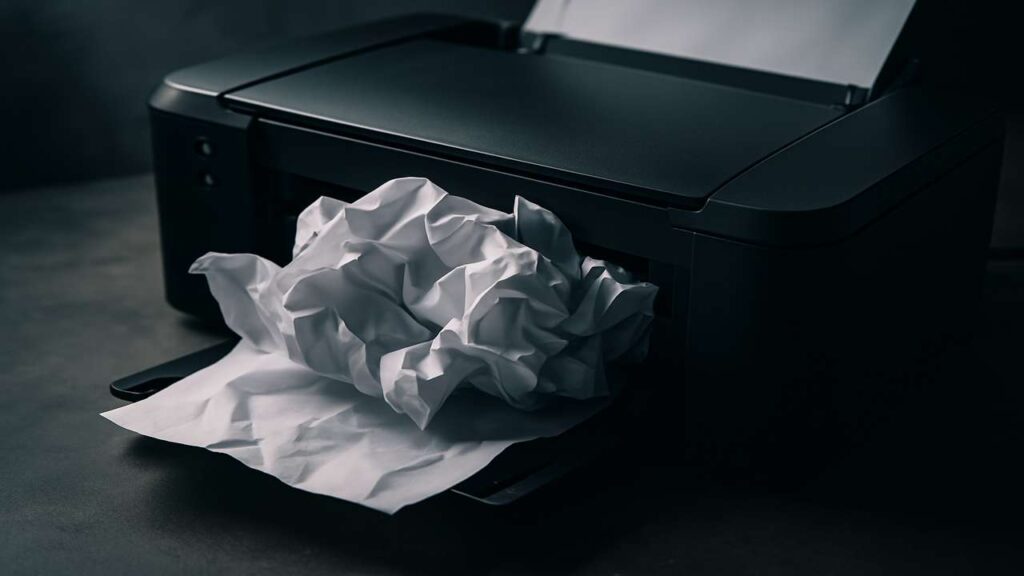
Have you ever found yourself in a rush to print something important, only to be halted by a stubborn paper jam? You’re not alone. One of the most common issues with printers is that they keep jamming, frustrating users at home and in offices around the world.
In this article, we’ll explain why your printer keeps jamming, how to fix it, and how to prevent it from happening again.
🛠️ What Causes a Printer to Keep Jamming?
Several common causes lead to printer jams:
1. Poor-Quality Paper
Low-grade or damp paper can easily get stuck inside the printer. Always use fresh, high-quality paper that matches your printer’s specs.
2. Overfilled Paper Tray
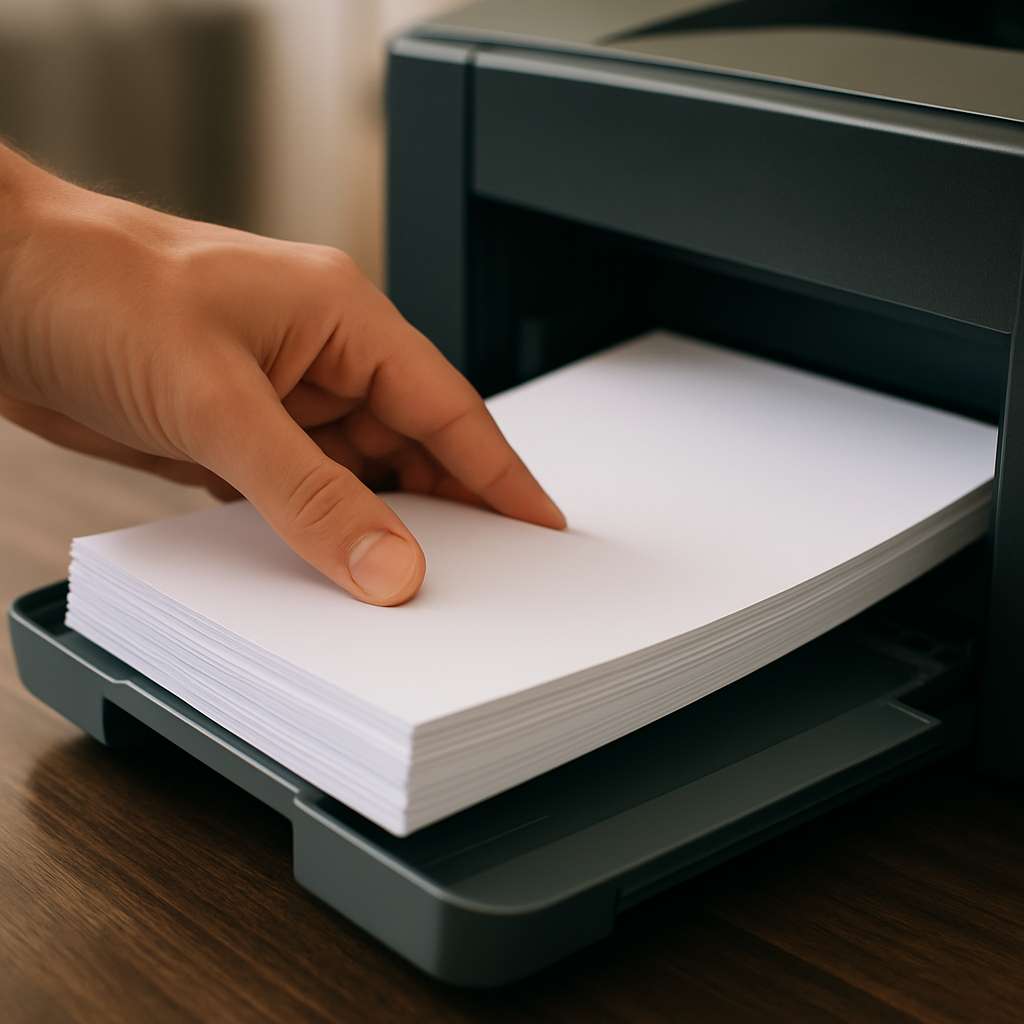
Overstuffing the paper tray can cause multiple sheets to feed at once, leading to jams.
3. Worn-out Rollers
The rollers that feed paper through the machine wear out over time. If your printer keeps jamming, worn rollers could be the cause.
4. Wrong Paper Size Settings
If your printer expects A4 but you insert Letter size, the misalignment could lead to a jam.
✅ How to Fix a Printer That Keeps Jamming
Here’s a simple checklist to follow:
-
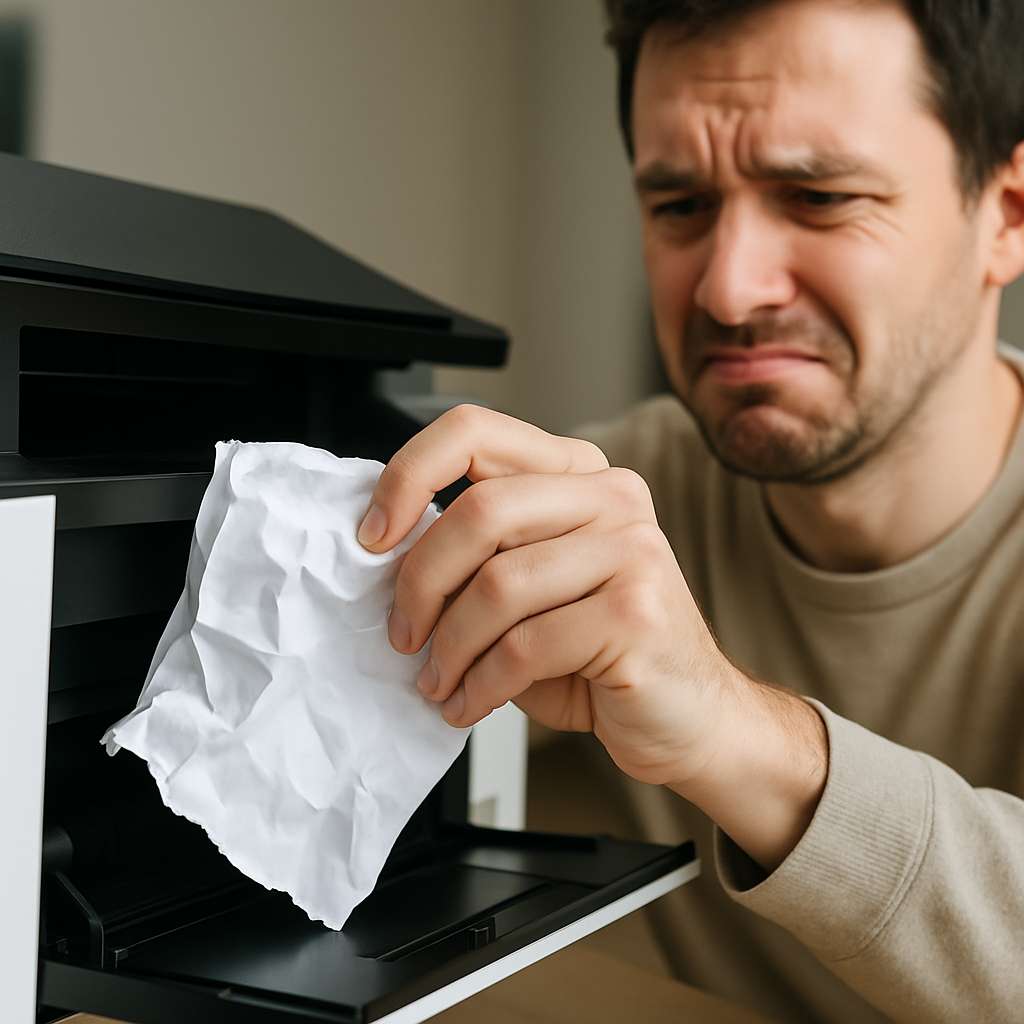
Turn off the printer and unplug it before opening any panel.
-
Carefully remove jammed paper without tearing it.
-
Clean the paper rollers using a lint-free cloth and some alcohol.
-
Check for any obstructions like paper clips, stickers, or torn labels.
-
Update your printer firmware and drivers — outdated software can cause feeding issues.
👉 For official driver updates, visit the HP Support Page.
🔁 Prevent Future Jams — Pro Tips
-
Don’t mix different types or sizes of paper.
-
Fan the stack of paper before loading.
-
Don’t use wrinkled or previously printed paper.
-
Replace rollers if the printer is over 3 years old.
🧠 Bonus Tip: Consider a Universal Driver
Many jamming problems are software-related. If you’re using a generic driver, consider installing a universal driver optimized for your printer model. Here’s a guide on choosing the best driver
📚 FAQ – Printer Jams
❓ Why does my printer keep jamming every time I print?
This is often caused by paper issues, misaligned trays, or worn rollers.❓ Is it safe to pull out jammed paper manually?
Yes — as long as the printer is off and you pull the paper slowly to avoid tearing.❓ How do I know if the rollers need replacing?
If you notice frequent jams and slipping paper, it’s likely time to replace them.
Final Thoughts
If your printer keeps jamming, don’t panic. With the right approach and regular maintenance, you can fix the issue and prevent it from coming back. And remember — choosing the right paper and keeping your hardware clean goes a long way!