

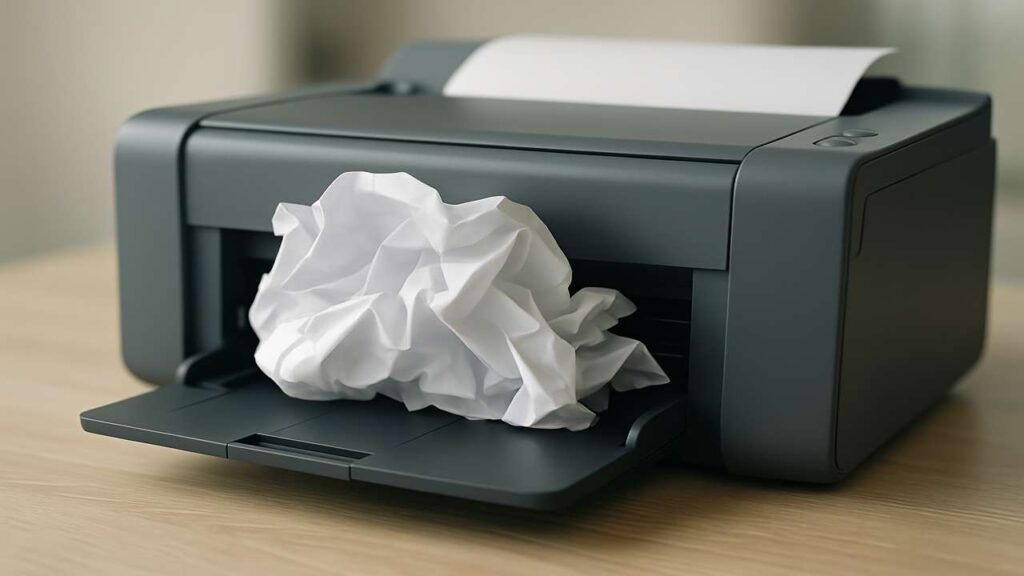
Printer Keeps Jamming? 8 Proven Fixes to Stop It Now
Few things are more frustrating than a printer that constantly jams, especially when you’re in a rush. This common issue affects both home and office users, often leading to wasted time, paper, and patience.
If your printer keeps jamming repeatedly, it’s time to take action. In this article, you’ll discover eight proven solutions to eliminate paper jams for good and restore smooth printing.
1. Use the Right Paper
Poor-quality paper or paper that has absorbed moisture is a major cause of paper jams. Always use clean, high-quality paper that matches your printer’s specifications in terms of size and thickness.
2. Avoid Overloading the Tray
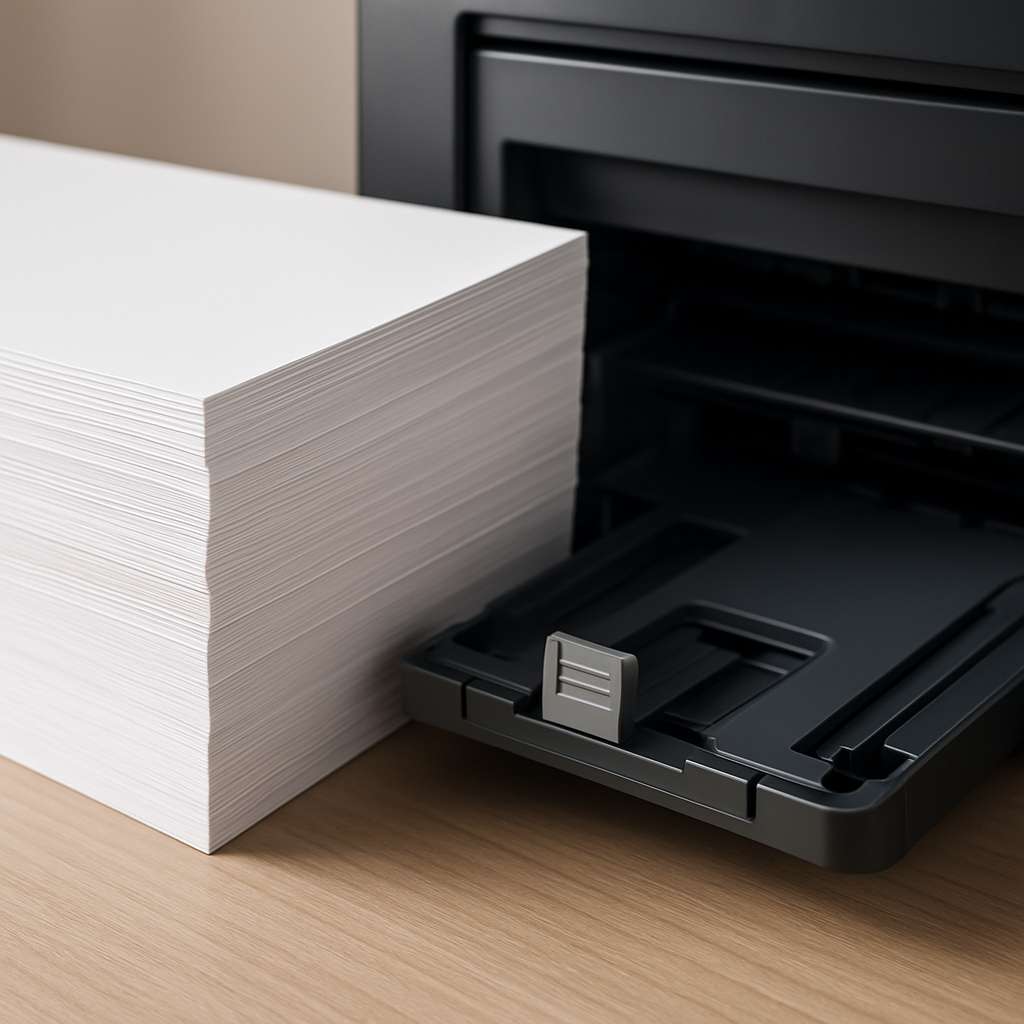
When the paper tray is overfilled, multiple sheets can feed at once, resulting in frequent jams. Always load paper below the recommended limit and make sure the stack is neatly aligned before inserting.
3. Adjust the Paper Guides Correctly
Improperly aligned paper guides can cause sheets to feed unevenly, leading to jams. Make sure the guides in the tray are positioned snugly against the paper, without being too tight.
4. Clean or Replace the Rollers
Dusty or worn-out rollers can fail to grip paper properly, causing slips and misfeeds. Regularly clean the rollers with a soft cloth and replace them if they show signs of wear, especially in older printers.
5. Check for Obstructions
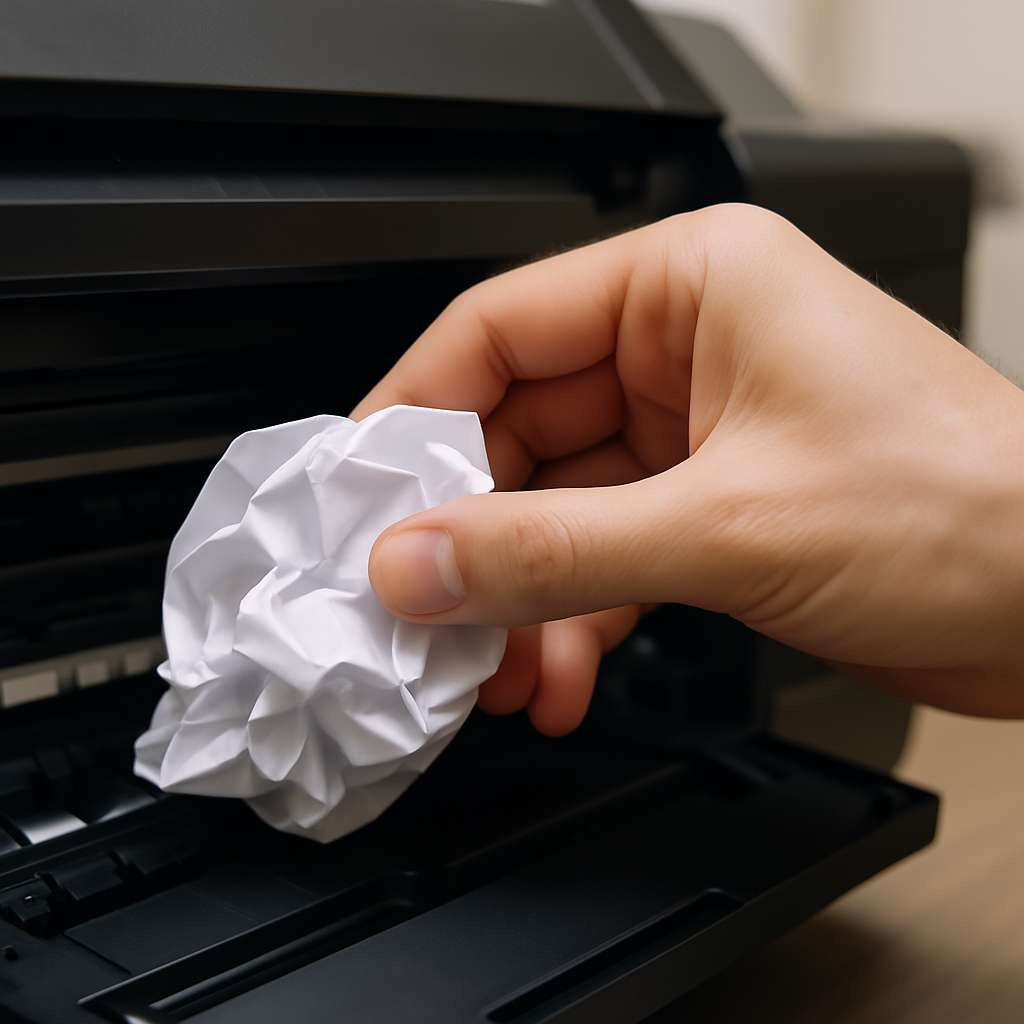
Small pieces of torn paper, labels, or other debris may be lodged inside the printer’s paper path. Always turn off and unplug the printer before checking for blockages and removing them carefully.
6. Update Printer Software
Outdated printer drivers or firmware can result in paper handling errors. Keep your printer software up to date to ensure proper communication between the printer and your computer.
7. Maintain the Right Environment
Excessive humidity can cause paper to stick together or curl, leading to jams. Try to keep your printer in a dry, temperature-controlled area to minimize these risks.
8. Break Down Large Print Jobs
Sending long documents with hundreds of pages can overwhelm some printers. If possible, split large print jobs into smaller batches to reduce the risk of jamming during operation.
Frequently Asked Questions
Why does my printer keep jamming even with new paper?
Paper jams can still happen due to worn rollers, dirty components, or misaligned trays, even if the paper is new.Can I fix a paper jam by myself?
Yes. Most paper jams can be safely resolved by turning off the printer, removing the jammed paper slowly, and cleaning any internal parts if needed.How often should printer rollers be replaced?
It depends on usage, but in most cases, rollers should be cleaned every few months and replaced every 2–3 years.
Final Thoughts
If your printer keeps jamming, it doesn’t mean it’s time to replace it. Most causes of paper jams are easy to identify and fix with simple maintenance and proper handling. By following the tips above, you can keep your printer running smoothly and avoid interruptions when you need it most.