web analytics
Shadow

RESET PRINTER

Reset Counter Xerox Phaser 3250 — safe, working methods

Reset Counter Xerox Phaser 3250 — safe, working methods

RESET PRINTER
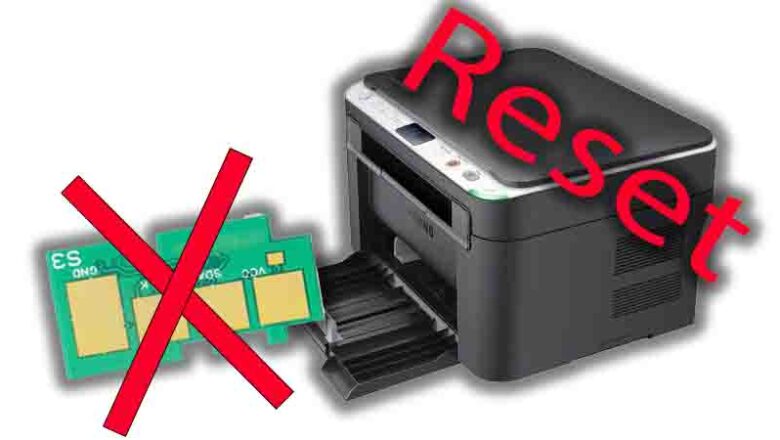
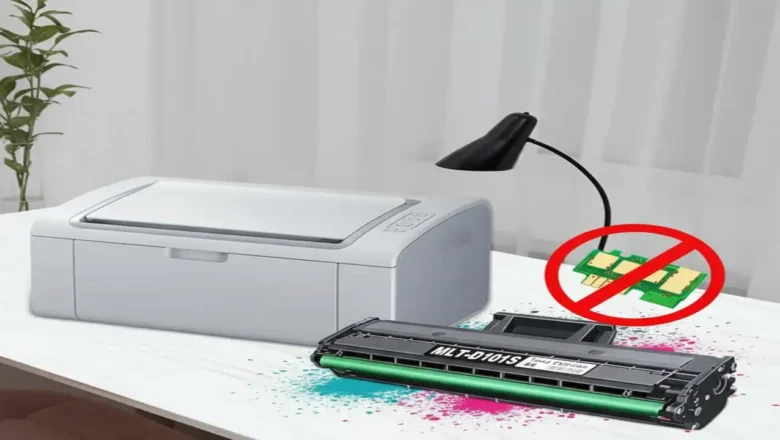
Reset Counter Xerox Phaser 3250 — what it is and when to use it Reset Counter Xerox Phaser 3250 is what many users look for after refilling the cartridge when the printer still shows a red/blinking light or refuses to print because the page counter or cartridge chip reports “end of life.” This guide explains how the counter and chip work, the lowest-risk fixes you should try first, and what to avoid so you don’t brick the device. How the counter and chip actually work The Phaser 3250 uses a toner cartridge with a yield chip (commonly 106R01374 for standard toner). The printer tracks pages through this chip and internal counters. At around 5,000–5,500 pages at 5% coverage (typical office text), the chip reports “spent” and the device can block printing—even if you physically refilled t...
Reset counter Samsung scx-4600 — safe guide

Reset counter Samsung scx-4600 — safe guide

RESET PRINTER
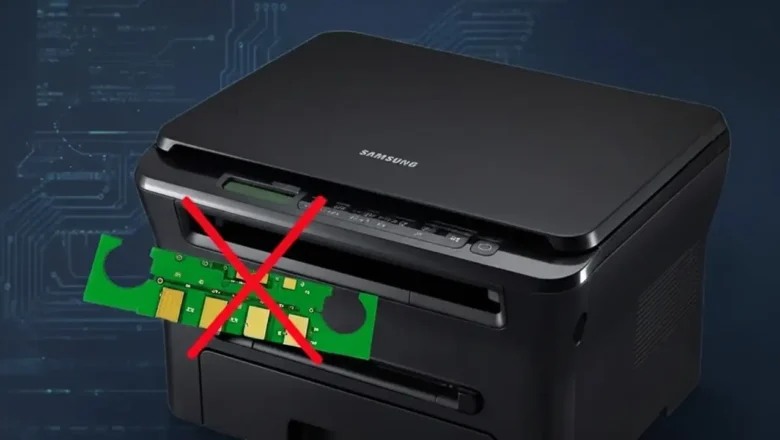
Reset Counter Samsung SCX-4600: What It Means and the Safest Way to Do It Reset counter Samsung SCX-4600 is a common search when the printer’s red light starts blinking after a refill and the machine refuses to print even though there is still toner in the cartridge. This usually happens because the printer is not judging toner status only by the powder inside the cartridge. It also relies on the cartridge chip and internal usage tracking, so a refill alone may not be enough to restore normal printing. That is why Reset counter Samsung SCX-4600 can mean different things depending on the real cause. Sometimes it means replacing the toner chip. Sometimes it means reloading official firmware to clear software instability. Sometimes it simply means clearing faults, checking contacts, and con...
Reset Samsung ML-1660/ML-1665 Printer — reliable counter reset & troubleshooting guide

Reset Samsung ML-1660/ML-1665 Printer — reliable counter reset & troubleshooting guide

RESET PRINTER
Reset Samsung ML-1660/ML-1665 Printer: What It Means and the Safest Way to Do It Reset Samsung ML-1660/ML-1665 Printer is one of the most common searches after a toner refill when the red light stays on and the printer refuses to print. This usually happens because the printer is not judging toner status only by the toner inside the cartridge. It also checks the cartridge chip and its internal usage state, which means a refill alone may not restore normal printing. That is why Reset Samsung ML-1660/ML-1665 Printer can mean several different things depending on the real cause. Sometimes it means replacing the toner chip. Sometimes it means reloading official firmware. Sometimes it simply means clearing faults, checking contacts, and getting the printer back into a normal ready state. Once...