web analytics
Shadow

RESET PRINTER

Reset Samsung CLP 300 chip toner — safe EEPROM method (AT34C02/I²C)

Reset Samsung CLP 300 chip toner — safe EEPROM method (AT34C02/I²C)

RESET PRINTER
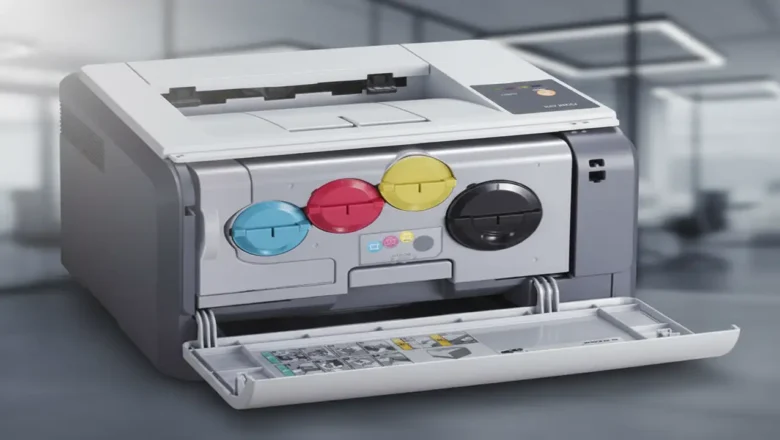
Reset Samsung CLP 300 chip toner — know the EEPROM and the safe way to proceed Reset Samsung CLP 300 chip toner is about understanding that each CLP-300 color cartridge (K/C/M/Y) carries a tiny EEPROM the printer updates as you print. That memory (commonly AT34C02 / 24C02-class, I²C protocol) stores page counts and a simple serial number. When the stored budget is reached, the printer treats the cartridge as “empty” even if you’ve just refilled the toner. This guide explains how the chip works, what tools are used to read/backup/edit its contents, and the safest sequence to follow—plus the limits (burnt/locked chips), and when to choose a replacement chip instead. What this chip is (and isn’t) Type & protocol: AT34C02-family (roughly equivalent to 24C02), 2-Kbit I²C EEPROM. ...
Reset Counter Xerox Phaser 3250 — safe, working methods

Reset Counter Xerox Phaser 3250 — safe, working methods

RESET PRINTER
Reset Counter Xerox Phaser 3250 — what it is and when to use it Reset Counter Xerox Phaser 3250 is what many users look for after refilling the cartridge when the printer still shows a red/blinking light or refuses to print because the page counter or cartridge chip reports “end of life.” This guide explains how the counter and chip work, the lowest-risk fixes you should try first, and what to avoid so you don’t brick the device. How the counter and chip actually work The Phaser 3250 uses a toner cartridge with a yield chip (commonly 106R01374 for standard toner). The printer tracks pages through this chip and internal counters. At around 5,000–5,500 pages at 5% coverage (typical office text), the chip reports “spent” and the device can block printing—even if you physically refilled t...
Reset counter Samsung scx-4600 — safe guide

Reset counter Samsung scx-4600 — safe guide

RESET PRINTER
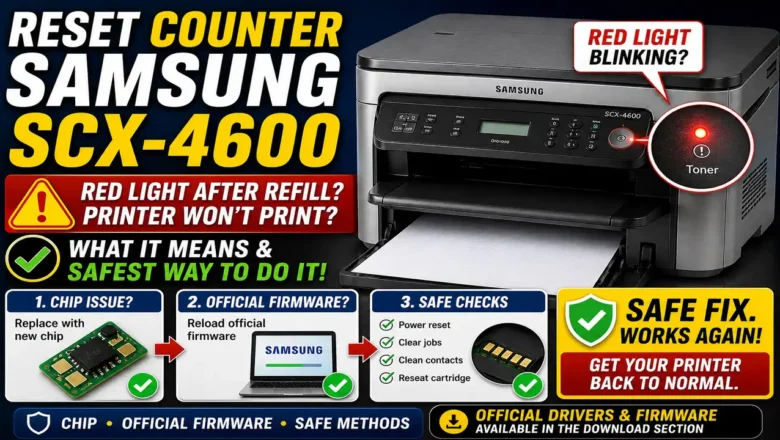
Reset Counter Samsung SCX-4600: What It Means and the Safest Way to Do It Reset counter Samsung SCX-4600 is a common search when the printer’s red light starts blinking after a refill and the machine refuses to print even though there is still toner in the cartridge. This usually happens because the printer is not judging toner status only by the powder inside the cartridge. It also relies on the cartridge chip and internal usage tracking, so a refill alone may not be enough to restore normal printing. That is why Reset counter Samsung SCX-4600 can mean different things depending on the real cause. Sometimes it means replacing the toner chip. Sometimes it means reloading official firmware to clear software instability. Sometimes it simply means clearing faults, checking contacts, and con...
Reset Samsung ML-1660 ML-1665 Printer: 4-Phase Red Light Diagnostic

Reset Samsung ML-1660 ML-1665 Printer: 4-Phase Red Light Diagnostic

RESET PRINTER
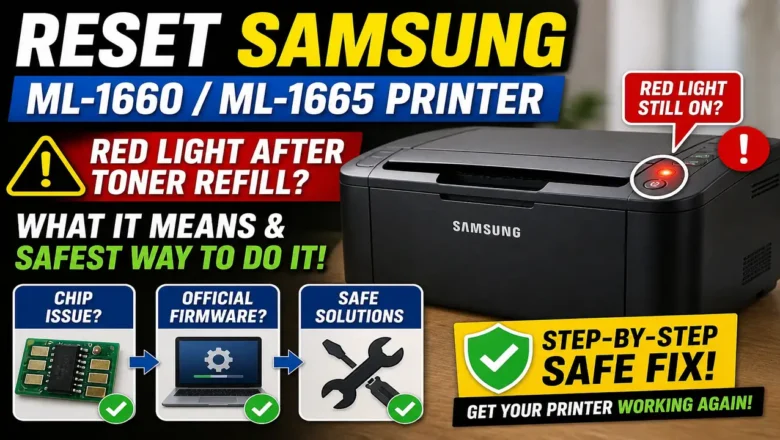
Executing a Reset Samsung ML-1660 ML-1665 Printer procedure is a highly searched diagnostic requirement among users servicing Samsung ML-series monochrome laser printers. A solid red LED after refilling a toner cartridge may indicate an exhausted or unreadable cartridge chip, but it can also signal a paper-feed error, open cover, paper jam, or general printer fault. Technicians must confirm the reported status via software before physically replacing the CRUM chip. Refilling the cartridge with fresh powder without addressing an unreadable chip or an underlying software conflict leaves the printer locked in an error state. By systematically diagnosing the LED status, inspecting the physical contact assembly, replacing the CRUM chip, and reserving official firmware updates for system inst...