web analytics
Shadow

Tag: samsung

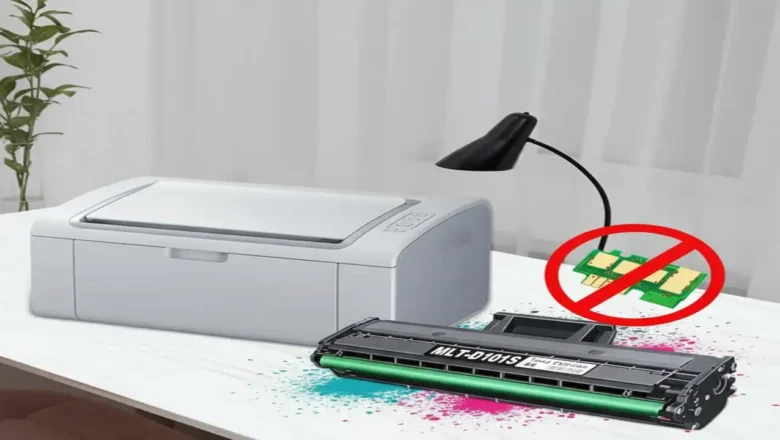
Reset Samsung scx 3400 — safe counter reset & chip guide

Reset Samsung scx 3400 — safe counter reset & chip guide

RESET PRINTER
Reset Samsung scx 3400 — what it means and the safest way to do it Reset Samsung scx 3400 is what many users search after refilling a cartridge and seeing a red/blinking light or “Replace/Install toner” messages even though there’s toner inside. The SCX-3400 platform uses a toner cartridge (MLT-D101S) with a yield chip. When that chip reports “end of life,” the printer can stop printing until it detects a “fresh” cartridge. This guide shows you the lowest-risk fixes first (chip replacement and official firmware refresh) and clearly flags the risks of any unofficial reset tools, so you don’t brick your machine. How the counter & chip work (why refilling alone isn’t enough) The printer tracks usage through a chip on the cartridge and internal counters. Yield ratings are...
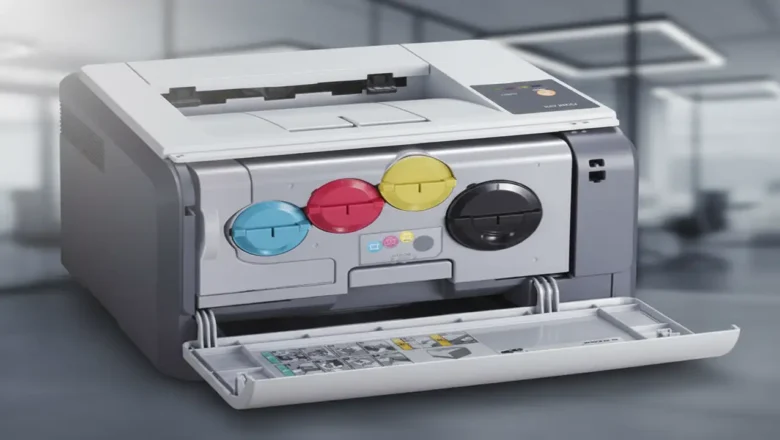
Reset Samsung CLP 300 chip toner — safe EEPROM method (AT34C02/I²C)

Reset Samsung CLP 300 chip toner — safe EEPROM method (AT34C02/I²C)

RESET PRINTER
Reset Samsung CLP 300 chip toner — know the EEPROM and the safe way to proceed Reset Samsung CLP 300 chip toner is about understanding that each CLP-300 color cartridge (K/C/M/Y) carries a tiny EEPROM the printer updates as you print. That memory (commonly AT34C02 / 24C02-class, I²C protocol) stores page counts and a simple serial number. When the stored budget is reached, the printer treats the cartridge as “empty” even if you’ve just refilled the toner. This guide explains how the chip works, what tools are used to read/backup/edit its contents, and the safest sequence to follow—plus the limits (burnt/locked chips), and when to choose a replacement chip instead. What this chip is (and isn’t) Type & protocol: AT34C02-family (roughly equivalent to 24C02), 2-Kbit I²C EEPROM. ...
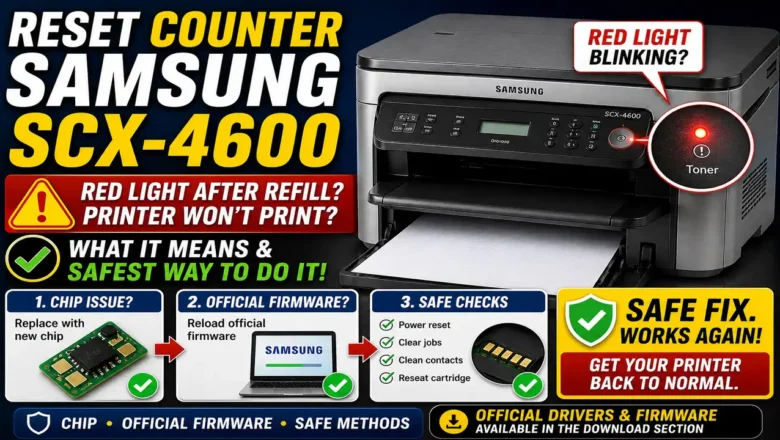
Reset counter Samsung scx-4600 — safe guide

Reset counter Samsung scx-4600 — safe guide

RESET PRINTER
Reset Counter Samsung SCX-4600: What It Means and the Safest Way to Do It Reset counter Samsung SCX-4600 is a common search when the printer’s red light starts blinking after a refill and the machine refuses to print even though there is still toner in the cartridge. This usually happens because the printer is not judging toner status only by the powder inside the cartridge. It also relies on the cartridge chip and internal usage tracking, so a refill alone may not be enough to restore normal printing. That is why Reset counter Samsung SCX-4600 can mean different things depending on the real cause. Sometimes it means replacing the toner chip. Sometimes it means reloading official firmware to clear software instability. Sometimes it simply means clearing faults, checking contacts, and con...
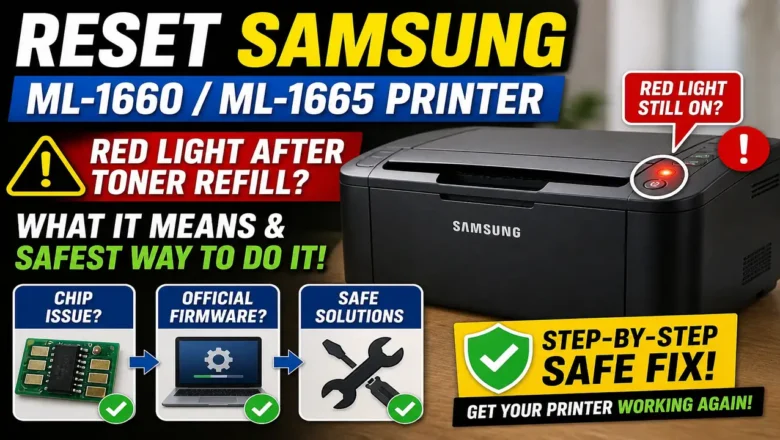
Reset Samsung ML-1660/ML-1665 Printer — reliable counter reset & troubleshooting guide

Reset Samsung ML-1660/ML-1665 Printer — reliable counter reset & troubleshooting guide

RESET PRINTER
Reset Samsung ML-1660/ML-1665 Printer: What It Means and the Safest Way to Do It Reset Samsung ML-1660/ML-1665 Printer is one of the most common searches after a toner refill when the red light stays on and the printer refuses to print. This usually happens because the printer is not judging toner status only by the toner inside the cartridge. It also checks the cartridge chip and its internal usage state, which means a refill alone may not restore normal printing. That is why Reset Samsung ML-1660/ML-1665 Printer can mean several different things depending on the real cause. Sometimes it means replacing the toner chip. Sometimes it means reloading official firmware. Sometimes it simply means clearing faults, checking contacts, and getting the printer back into a normal ready state. Once...
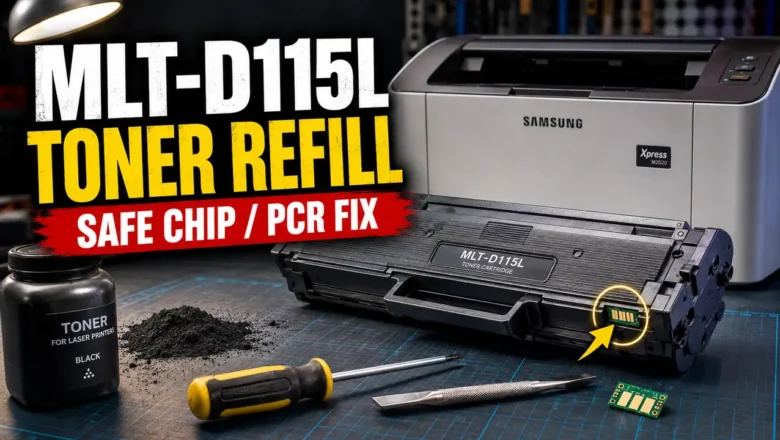
How to refill toner mlt-D115L — step-by-step refill & chip guide

How to refill toner mlt-D115L — step-by-step refill & chip guide

REFILL TONER
How to refill toner mlt-D115L — clean, repeatable method How to refill toner mlt-D115L is a practical way to cut costs on Samsung Xpress mono printers while keeping crisp, consistent output. The MLT-D115L cartridge does not include a built-in drum shutter; new units ship with a removable two-piece plastic drum cover/shield that also clips into the PCR holders so the PCR doesn’t rest on the drum during storage—helping prevent flat spots. This guide consolidates the exact steps you need: safe disassembly, cleaning, refill, chip replacement, and reassembly, plus troubleshooting for streaks, gray background, and light prints. Supported printers and yields Compatible models: Xpress SL-M2620, M2670, M2671, M2820DW, M2870FW (and close variants). Yield: MLT-D115L ~3,000 pages. ...