

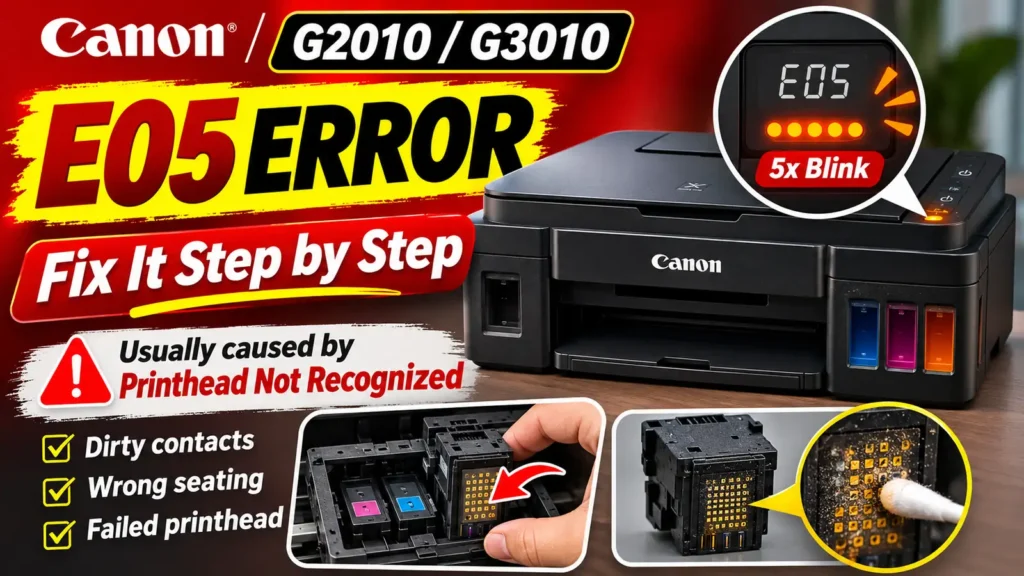
Isolating a Failed Print Head When Error E05 Persists
If you have cleaned the gold contacts, confirmed that both joint buttons or cartridge latches are clicked down, and performed a power reset, yet the E05 code returns immediately, one of the cartridges or print heads has likely suffered an internal electrical failure—most commonly reported as Support Code 1403.
Thermal inkjet print heads rely on microscopic heating elements to vaporize ink droplets and a built-in diode sensor to monitor nozzle temperature. When a cartridge or print head is operated completely dry, refilled multiple times past its service life, or exposed to a static discharge on its gold pads, a circuit trace inside the head can burn open. Even if the exterior contacts look brand new, the printer will reject the unit with error E05 to protect the main logic board from a short circuit.
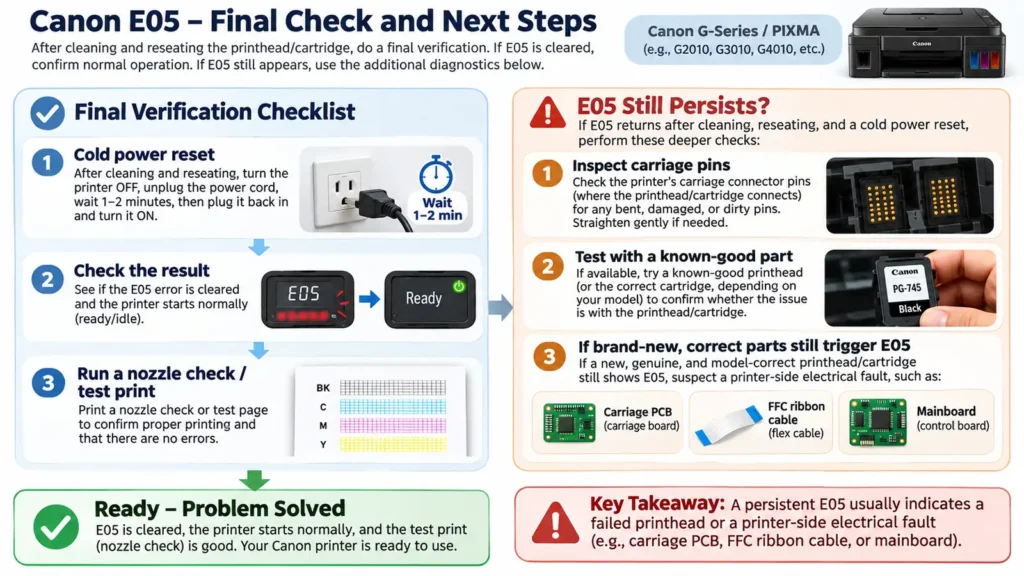
How to Identify Whether the Black or Color Unit Is Faulty
Before ordering replacement parts—especially on a Canon PIXMA G3411 where the CA91 Black and CA92 Color print heads are sold separately—use these diagnostic checks to determine which unit caused the failure:
-
Check the Ink Warning LEDs (If Equipped): On Canon PIXMA models that feature separate Black Ink and Color Ink indicator lights next to the LCD (such as the MP250, MP280, MG2250, and MG2500 series), observe which orange ink lamp is blinking alongside the
E05display. If only the Color Ink lamp flashes, the Color cartridge is unrecognized; if only the Black Ink lamp flashes, the Black cartridge is at fault; if both flash simultaneously, either both units are affected or one shorted cartridge is pulling down the shared carriage communication bus. -
Inspect the Carriage Contact Pins for Bent Springs: Unplug the printer with the carriage centered, remove both print heads or cartridges, and shine a flashlight into the back of both slots. Every tiny gold spring pin should stand at an uniform height. If a pin was bent sideways or pushed flat when a cartridge was forced in at the wrong angle, it cannot make contact—or worse, it may touch an adjacent pin and cause a persistent E05 error.
-
Test With a Known-Good Cartridge or Print Head: Because Canon inkjet printers require both the Black and Color slots to be populated to initialize into a ready state, removing one cartridge and closing the lid will simply trigger an E04 (missing cartridge) error rather than isolating the bad head. However, if you have an older depleted cartridge or spare print head whose electronics are still intact, swapping it in one slot at a time will immediately reveal which unit clears the E05 error (switching the printer from E05 to a normal ready state or an overridable E16 low-ink prompt).
If installing brand-new, genuine Canon print heads or regional FINE cartridges does not clear error E05, and the carriage pins are clean and undamaged, the fault lies in the carriage printed circuit board (PCB), the flat flexible ribbon cable (FFC) connecting the carriage to the mainboard, or the main logic board itself, requiring bench repair or service center replacement.